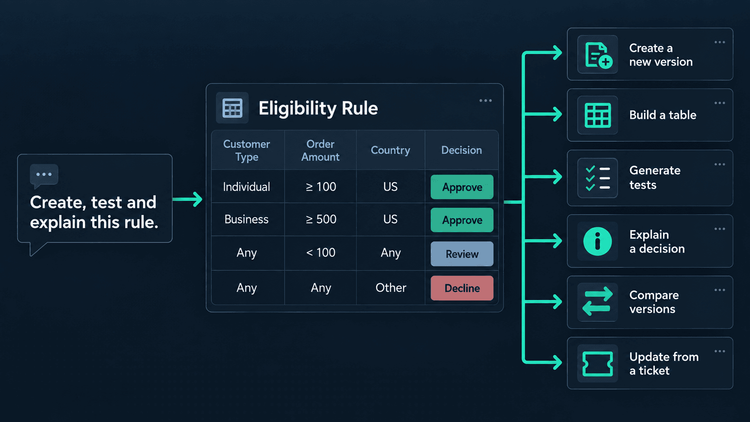
Every one of these was possible before. That is the point. What changed is how many steps sit between wanting the thing and having it.
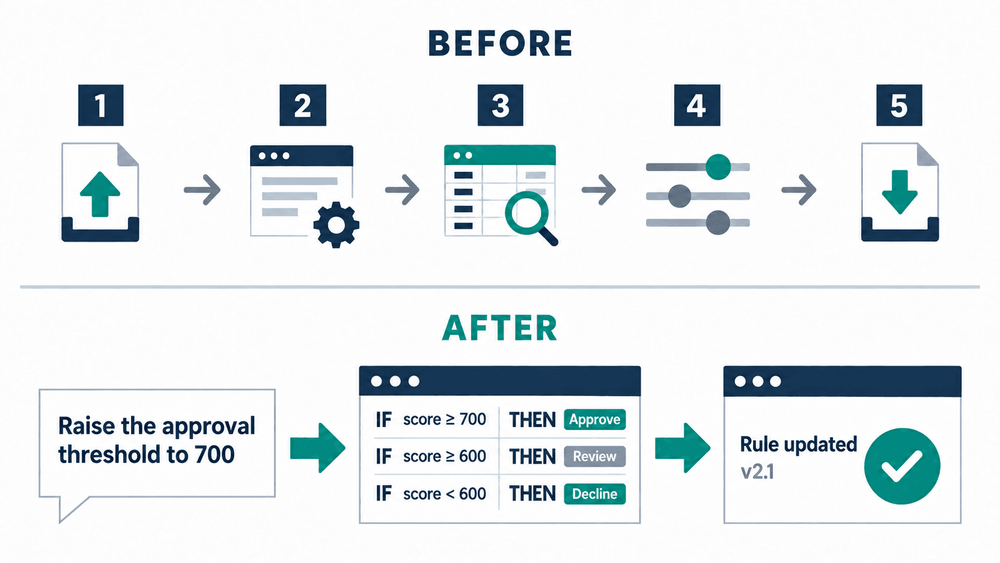
Before and after: five steps against one sentence.
1. Turn a New Price List Into a New Version
Your supplier sends an updated price list. It is a CSV. Your Product Table still holds the old numbers.
Before. Open the file. Open the rule. Work out which rows need updating. Edit them one by one, or export to Excel, adjust, reimport. Make sure nothing else shifted.
Now. Upload the file and tell the assistant what to do.
Here is the new price list from our supplier. Create a new version of the Product Prices lookup table with these values. Keep the current version untouched and show me which rows changed.
Create a new rule version from a supplier price list without changing the live version.
The assistant reads the current table, matches the new values to the correct rows, and creates a new version. It does not touch the one in use. You check it first.
Look up SKU-4410-GOLD in the new version. What does a Gold customer pay for 12 units?
Ask the assistant for a value from the new rule version and verify the result in chat.
You see the result in the same chat, right beside the data you just brought in.
2. Build a Table From a Description
Before. Turn the policy into columns. Decide on inputs and outputs. Build the table. Add rows. Realise on row nine that you need a calculated column after all.
Now.
Create a Decision Table for a discount based on order total and customer status. Gold customers get 15% over 500, everyone else gets 10% over 1000.
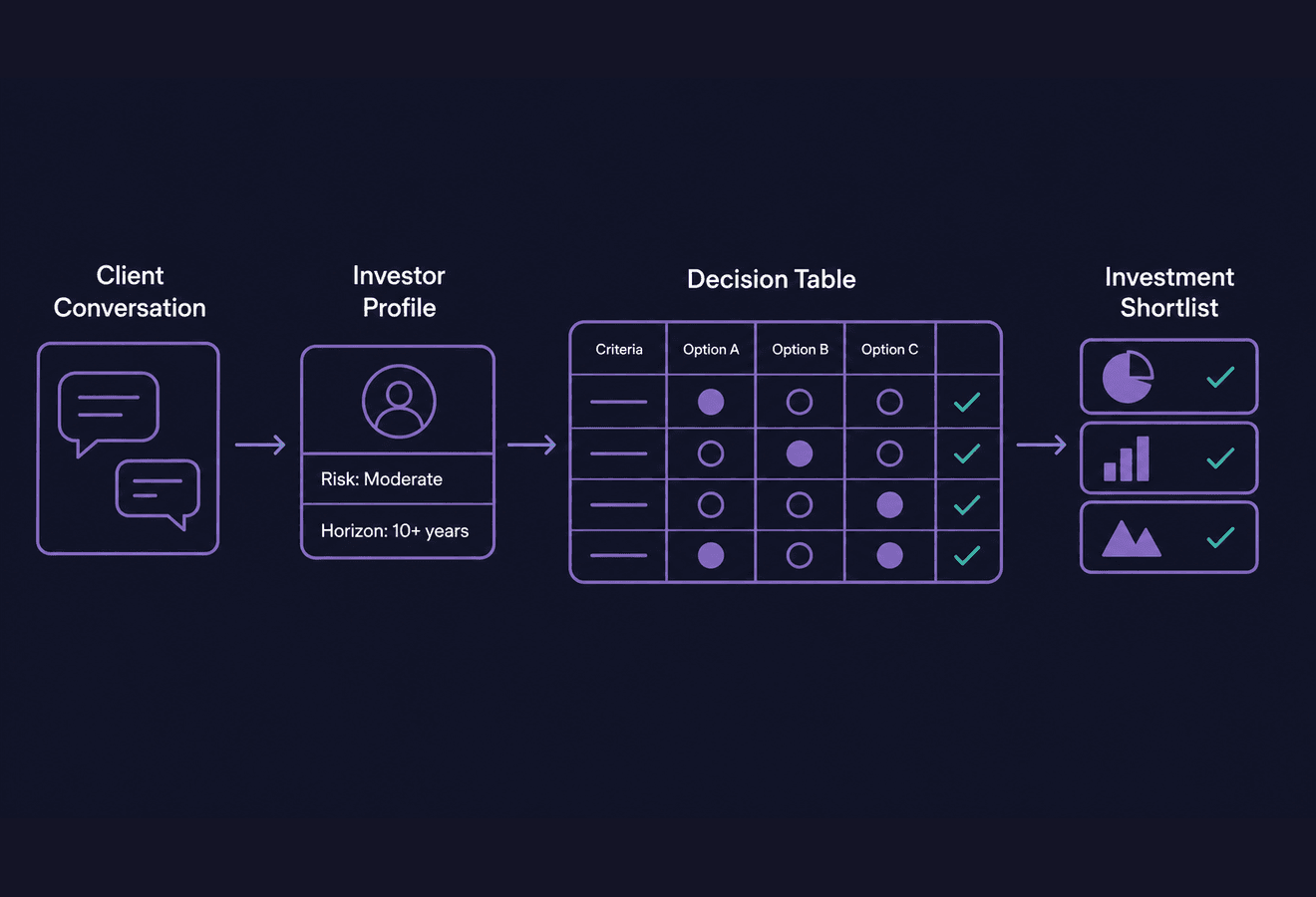
Turn a plain-language policy into a structured Decision Table.
The table comes back ready. Inputs and outputs are defined. Columns are typed. Rows are filled. It asks when the description is ambiguous rather than guessing.
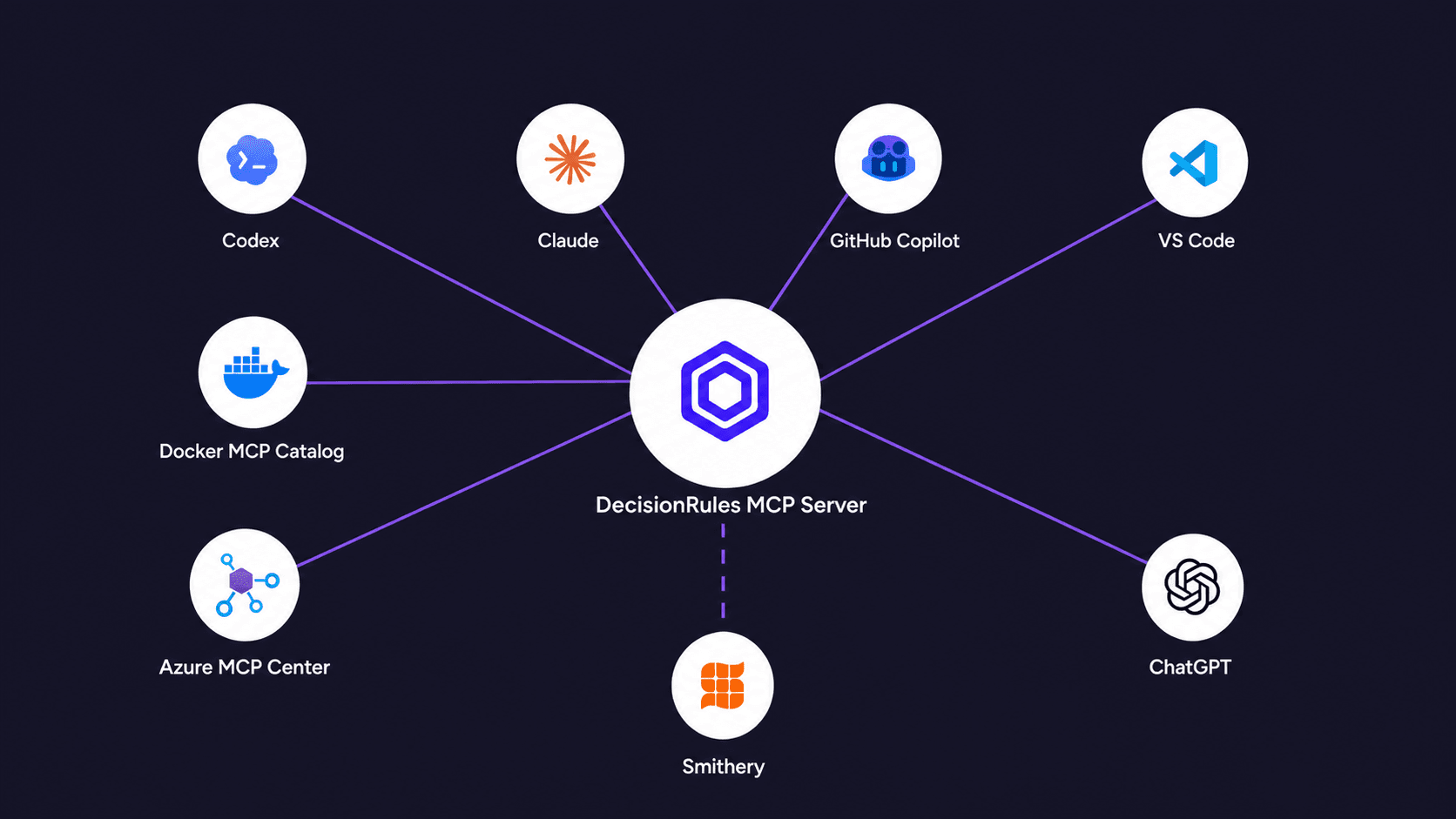
This uses the same engine that powers rule creation in the editor. MCP just changes how you reach it.
3. Generate Test Cases That Actually Test Something
Before. Trace conditions across rows. Write inputs by hand. The result usually covers the logic you already understand, not the gaps you missed.
Now.
Generate 10 test cases for the loan-scoring rule, version 3. Include boundary values and at least one input that matches no row.
That last part is key. Inputs that hit no row expose gaps in coverage. Those are the cases you rarely write by hand.
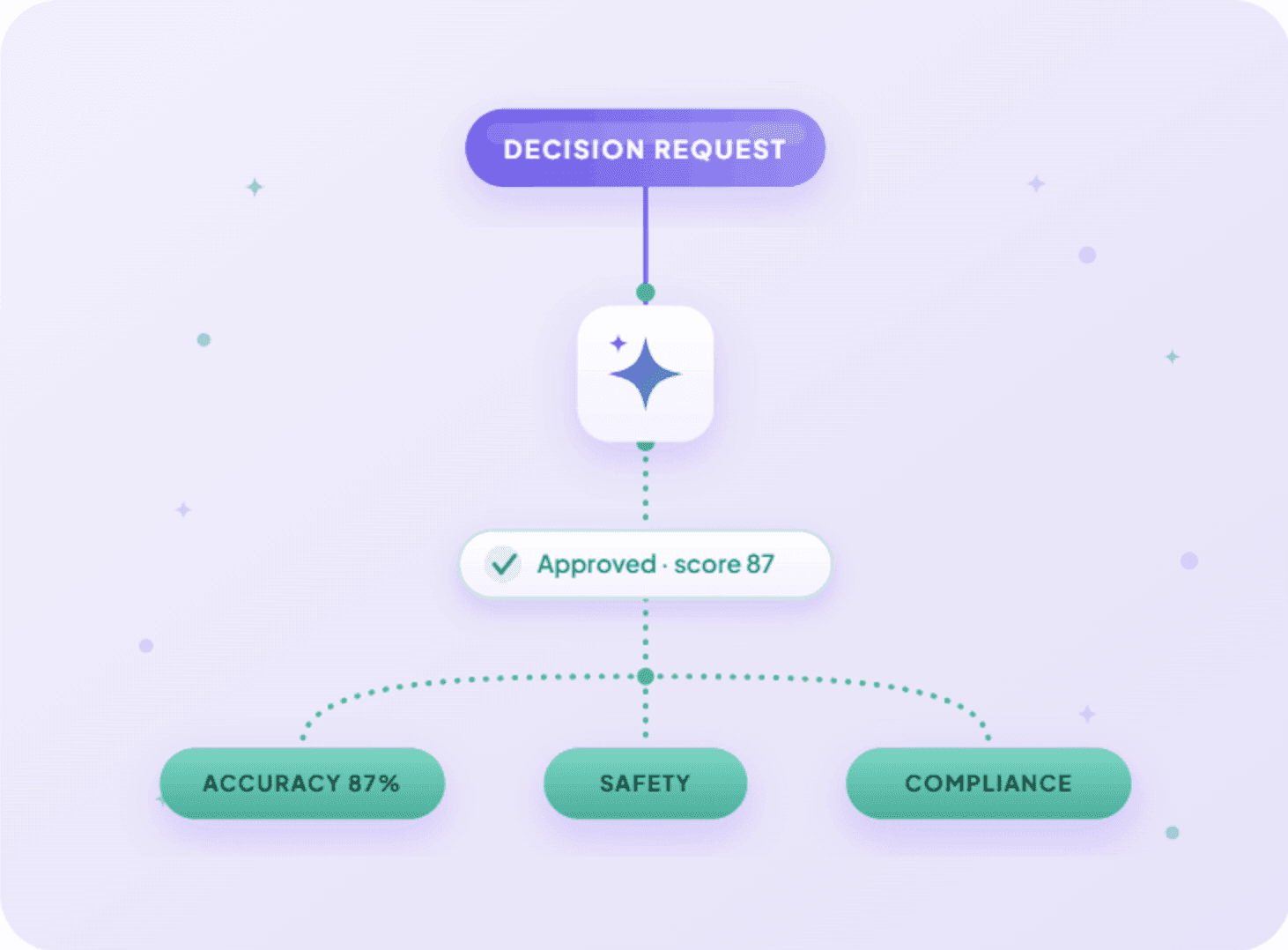
Here is what matters most. The assistant proposes inputs only. It does not fill in expected results. When you save the suite, DecisionRules solves the rule using that exact version to set the outputs. If the AI wrote both, the test would be meaningless. So it does not get to write the answer.
Generate meaningful test cases and run them as a reusable regression suite.
Results come back per case. The suite remains in the Tests tab for next time. That is how regression stays useful. Now you are not writing the inputs yourself.
4. Ask the Table Why, Not Just What
A customer says they were charged the wrong price. The pricing table has forty rows, three overlapping conditions, and a calculation column added months ago. The rule evaluates correctly, but logic is the issue.
Before: Open the rule. Rebuild the input in the Test Bench. Run it. Step through the evaluation.
Now:
Solve the pricing rule with this order and tell me which row matched and why.
You get the matching row, the conditions that passed or failed, and how the final value was calculated. Then you ask what really helps:
Which other rows could have matched this order, and why did they lose?
Without the assistant, you would spend at least twenty minutes investigating the case — rebuilding inputs, scrolling through rows, and tracing logic step by step. We provide debug mode to help, and it speeds things up by showing cell-level evaluations. Still, every check is manual. Now, answering questions about logic requires only the question itself.
The same capability powers rule summaries in the editor, and it is most useful on the rule nobody remembers writing.
5. See What a Version Change Means Before You Publish
Before: Open the compare view. Read the differences between versions. What the view cannot tell you is what those changes mean for a real order, or who will be affected.
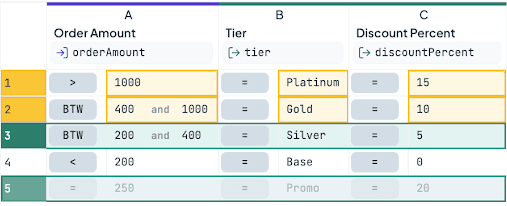
Compare rule versions to see which thresholds changed and how they affect real orders.
Now:
Compare version 3 and version 4 of the pricing table. What changed, and what does it mean for an order of 400?
The differences come back in plain terms, with impact. The threshold moved from 500 to 400, so an order of 400 now qualifies for a discount it previously missed. A row was turned off. A new tier now sits above the old top level.
Then the critical check before publishing:
What is this rule called, and which versions are they pinned to?
Callers pinned to version 3 stay unchanged. Those set to latest will get the update when you publish. Knowing which is which takes one sentence.
6. Build the Rule From the Ticket That Asked for It
Before: A business analyst writes the new discount policy on a ticket. Someone reads it. Open DecisionRules. Translate it into a table. Then goes back to the ticket and adds a note saying it is done.
Now: Both tools are connected to the same assistant.
Ticket DRU-4730 just came in, updating the interest rate table to match what it is asking for.
Turn a ticket into a tested rule update without leaving the workflow.
The assistant reads the requirement in the form the business wrote it, updates the rule, runs the cases, and closes the loop where the request started.
What makes this different from the other five is that DecisionRules is not the only tool in the conversation. The same pattern works with a spreadsheet instead of a ticket, with a database as the source of reference data, or with a Slack channel as the place the result is announced. Your rules stop being an island that only opens in its own tab.
What This Adds Up To
None of this is new in function. Each action uses a feature that already exists in DecisionRules. The assistant calls the same tools you would use yourself.
What MCP removes is distance. The rule, the AI, and the person are now in one place. The loop from idea to check closes in seconds, not minutes.

Ivan Peresta works at DecisionRules, where his role spans product analysis, professional services, and customer support. He is involved across the full lifecycle of product features, from early design and UX thinking to hands-on testing, documentation, and customer-facing delivery. His work bridges the gap between product development and the people who actually use it, whether that means helping a customer design their rule system or making sure a new feature ships with clear guidance and working examples.