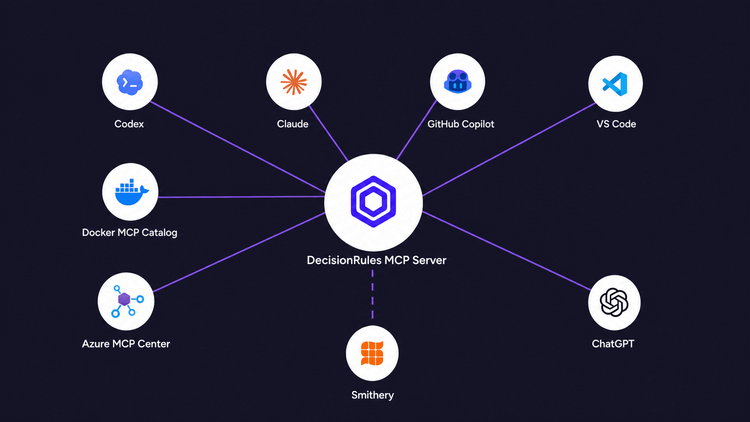
It's easier to show once than to explain it in three paragraphs. Here's what it looks like to work with DecisionRules MCP server.
Before MCP
Talking to DecisionRules programmatically was always possible. The Management API Key has been there from the start.
But that meant writing and maintaining your own integration layer, handling authentication yourself, and hoping your AI assistant knew what to do with the response. It worked. It just was not something you could ask for. It was something you had to build first.
What MCP Actually Is
Model Context Protocol is a shared protocol that lets an AI connect directly to a tool and take actions in it, rather than reading documentation about it and guessing.
This is not a niche experiment from one vendor anymore. In December 2025, Anthropic donated MCP to the Agentic AI Foundation, a directed fund under the Linux Foundation co-founded by Anthropic, OpenAI, and Block, with support from Google, Microsoft, AWS, Cloudflare, and Bloomberg. ChatGPT, Cursor, Gemini, Microsoft Copilot, and VS Code all support it out of the box.
Meet the DecisionRules MCP Server
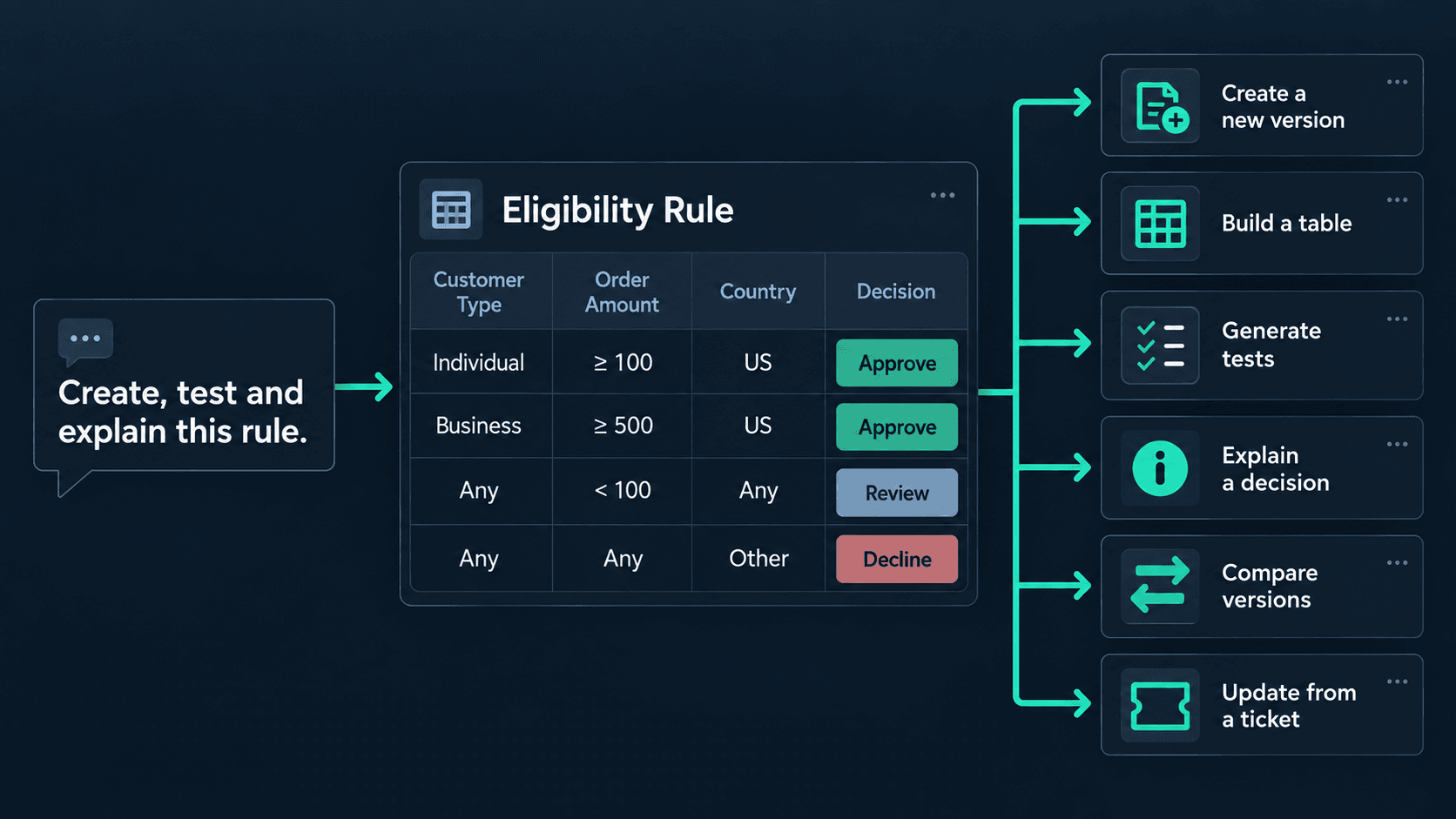
Once connected, your AI can turn a plain-language description into a working Decision Table, Scripting Rule, or Lookup Table. It can explain what an existing rule does, generate test data on demand, and run a rule against real input to show you the result. The unglamorous work comes along with it: updating versions, managing tags, tracking down which rules depend on the one you are about to change.
Today that is more than 60 individual actions, and the set keeps growing. The exact number matters less than the shift behind it. You can now just ask.
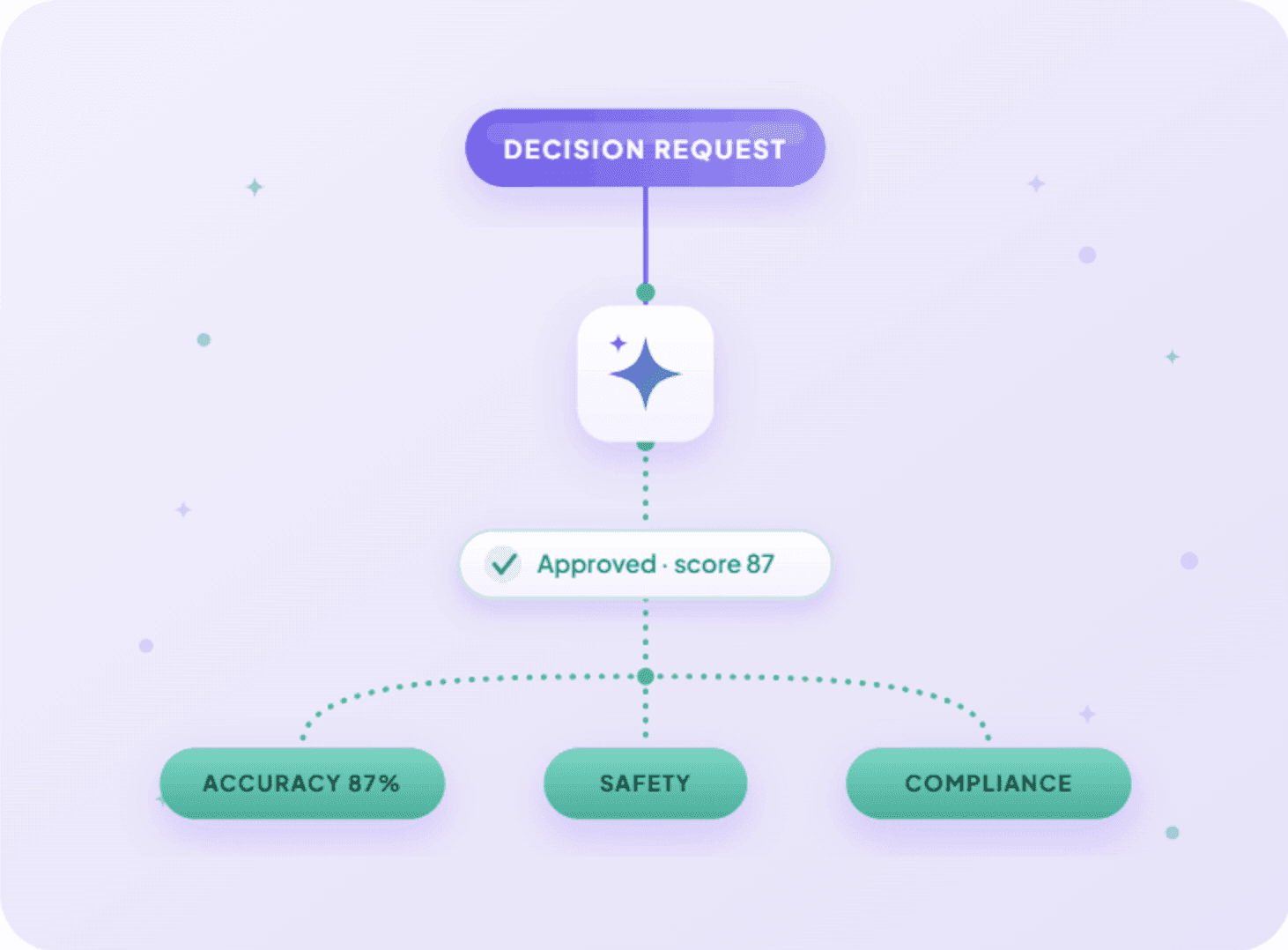
And when you ask, you are not relying on a general-purpose model to guess how a Decision Table should be structured. The request runs through the DecisionRules AI Assistant, built specifically to work with DecisionRules rule logic and workflows. Claude or Copilot carries the conversation. You decide what it should do. Our DecisionRules MCP Server just helps build it.
Got a question mid-build, like what a specific function does, or whether a template already exists for this? You do not need to tab out to search the docs either. DecisionRules also runs a separate Distribution MCP server that puts documentation, examples, and reusable functions in the same conversation, with no login required.
And We Are Not the Only Server in the Room
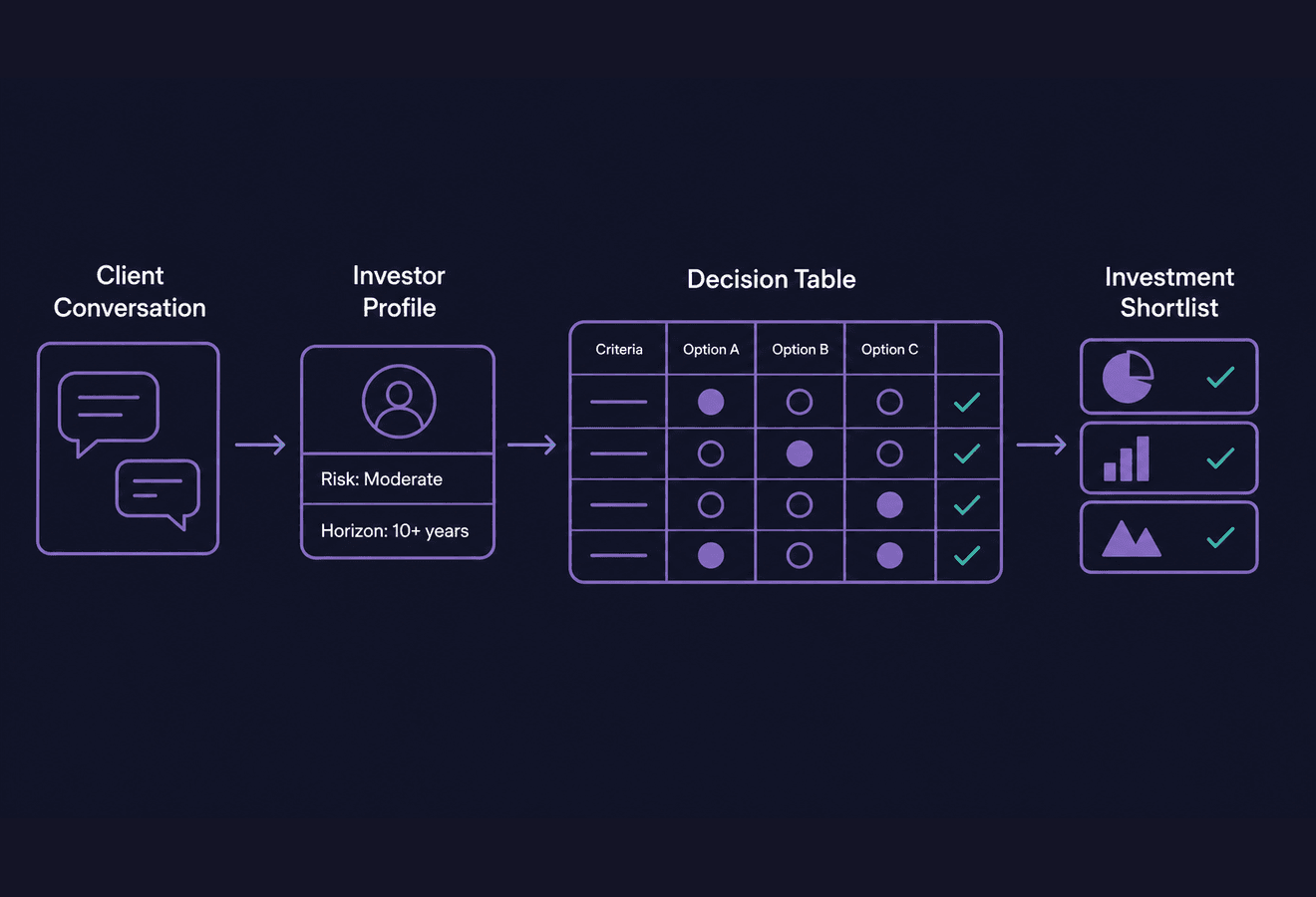
This is the part that is easy to miss. Your AI client can hold several MCP connections at once, and they work together in a single request.
That changes what a rule is. Until now, working with a rule meant either opening DecisionRules or building an integration around its APIs. Now the ticket describing the policy, the spreadsheet holding the prices, and the rule that has to reflect both can all be in the same conversation.
Read ticket DR-412, build the rule it describes, generate test cases, and comment the result back on the ticket.
Nobody exported anything. Nobody pasted a table into a chat window. The request showed up in the ticket, and the answer landed right back there too.
Why This Matters
No Tab Switching
Instant
No more switching tabs. Decision rules get built and updated right where you are already working
Focus on logic, not context switching
Works Where You Work
Multi-client
Works inside the tools you already use: Claude, GitHub Copilot, ChatGPT and almost anywhere through Smithery.
Use AI within your familiar workspace
Full Management Access
Lifecycle
Not just reading, but creating, versioning, testing, and managing rule dependencies end-to-end
Complete control over your rule ecosystem
Built-in AI Quality
Reliable
The same quality you would get in the editor. AI generation runs through DecisionRules' own trained AI Assistant
Rule logic you can trust out of the box
Where You Can Already Find Us
You can already connect through ChatGPT, Claude, GitHub Copilot, VS Code, Codex, the Docker MCP Catalog, Azure MCP Center, and Smithery.
For supported cloud clients, connecting does not require configuring an endpoint by hand. You open the connector list in your AI client, find DecisionRules, and hit connect. From there it is a standard sign-in and picking the space you want your assistant to work in.
If you run DecisionRules on your own infrastructure, the configuration from those catalogs will not reach your instance. That case has its own setup path.
What people actually do with it
Without MCP, getting real AI help with a specific rule meant opening DecisionRules, finding the rule, exporting its structure, pasting it into a chat, waiting, and carrying the changes back by hand. Five steps before the AI could even see what it was working with.
With MCP it is one sentence in the chat you already had open:
Update the price in Product Table based on the new price list
Try It Yourself
A few examples of what you can ask your AI assistant once it's connected:
- Create a Decision Table for calculating a discount based on order total and customer status.
- Take this price list and create a new version of the Product Table with it.
- Generate 10 test cases for the loan-scoring rule, version 3.
- Explain why this rule returns approved for this set of inputs.
Business Rules, Where the Work Already Happens
MCP does not replace the DecisionRules interface or its APIs. It adds another way to work with your rules — directly from the AI tools that are already part of your workflow.
That means less moving context between systems, fewer manual steps, and a much shorter path from an idea or requirement to a working rule. Your rules remain managed and governed in DecisionRules. The difference is that you no longer have to go looking for them. They can now meet you where the work is already happening.

Ivan Peresta works at DecisionRules, where his role spans product analysis, professional services, and customer support. He is involved across the full lifecycle of product features, from early design and UX thinking to hands-on testing, documentation, and customer-facing delivery. His work bridges the gap between product development and the people who actually use it, whether that means helping a customer design their rule system or making sure a new feature ships with clear guidance and working examples.