Testing Data
Stop crafting test inputs by hand. The AI Assistant generates realistic test data for your Decision Tables on demand, covering edge cases and specific row triggers in seconds.
Random Test Scenarios
Ask for 10 random inputs and the assistant generates realistic data that stress-tests your Decision Table across a range of conditions.
Targeted Row Triggers
Need inputs that trigger a specific row? Just say "Create inputs that will trigger row 5" and the assistant builds the exact values you need.
Edge Case Coverage
The assistant understands your table structure and can generate boundary values, unusual combinations, and exception scenarios you might miss manually.
Generate Test Data Fast
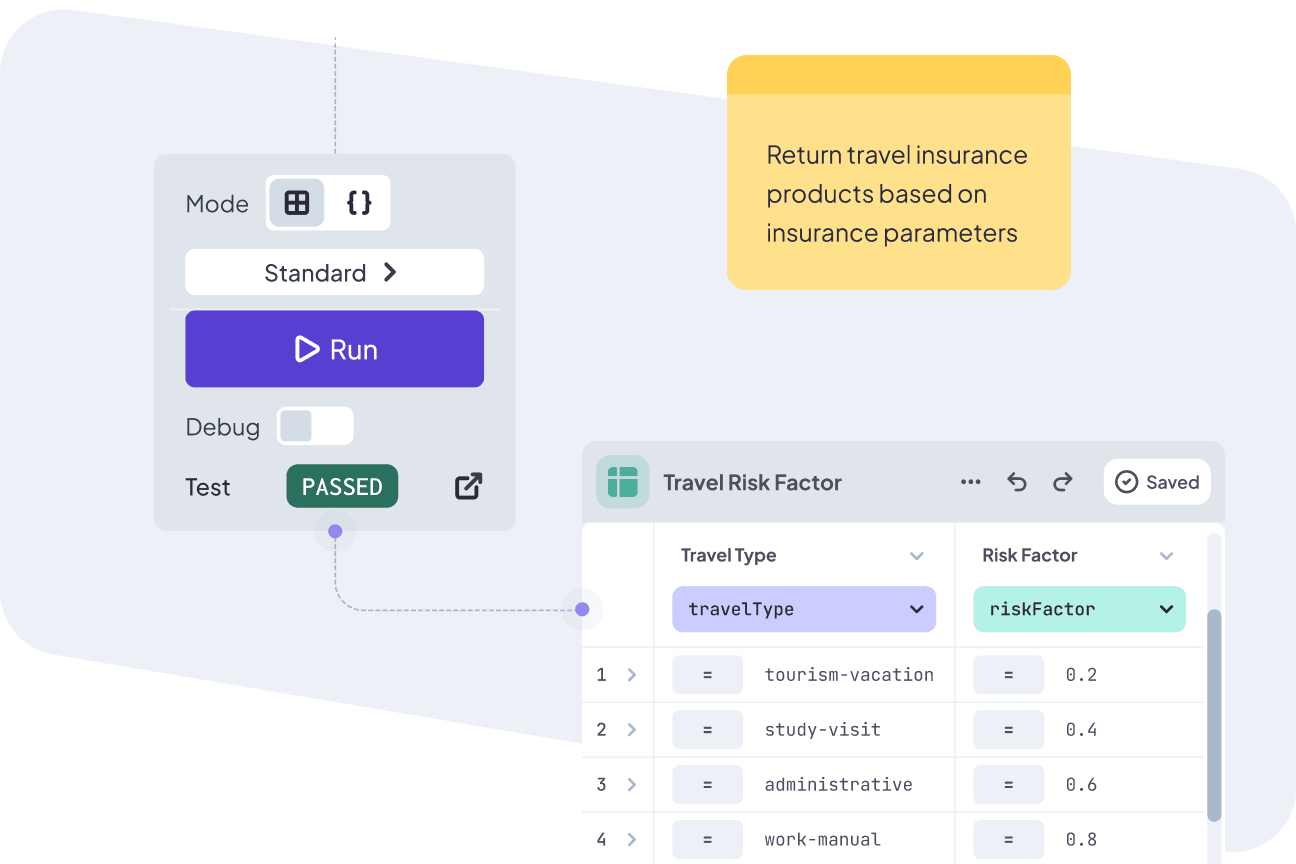
Creating test inputs for a Decision Table used to mean cross-referencing conditions across rows and manually crafting values that would trigger the right paths. For tables with 15 or 20 conditions, that is a real time sink.
The AI Assistant reads your table structure and generates inputs that make sense. You get test data that matches your column types, respects your condition ranges, and covers scenarios you would otherwise have to plan by hand.
- Reads your Decision Table structure automatically
- Generates inputs that match column types and condition ranges
- Saves hours of manual test data preparation
Target Rows with Test Data
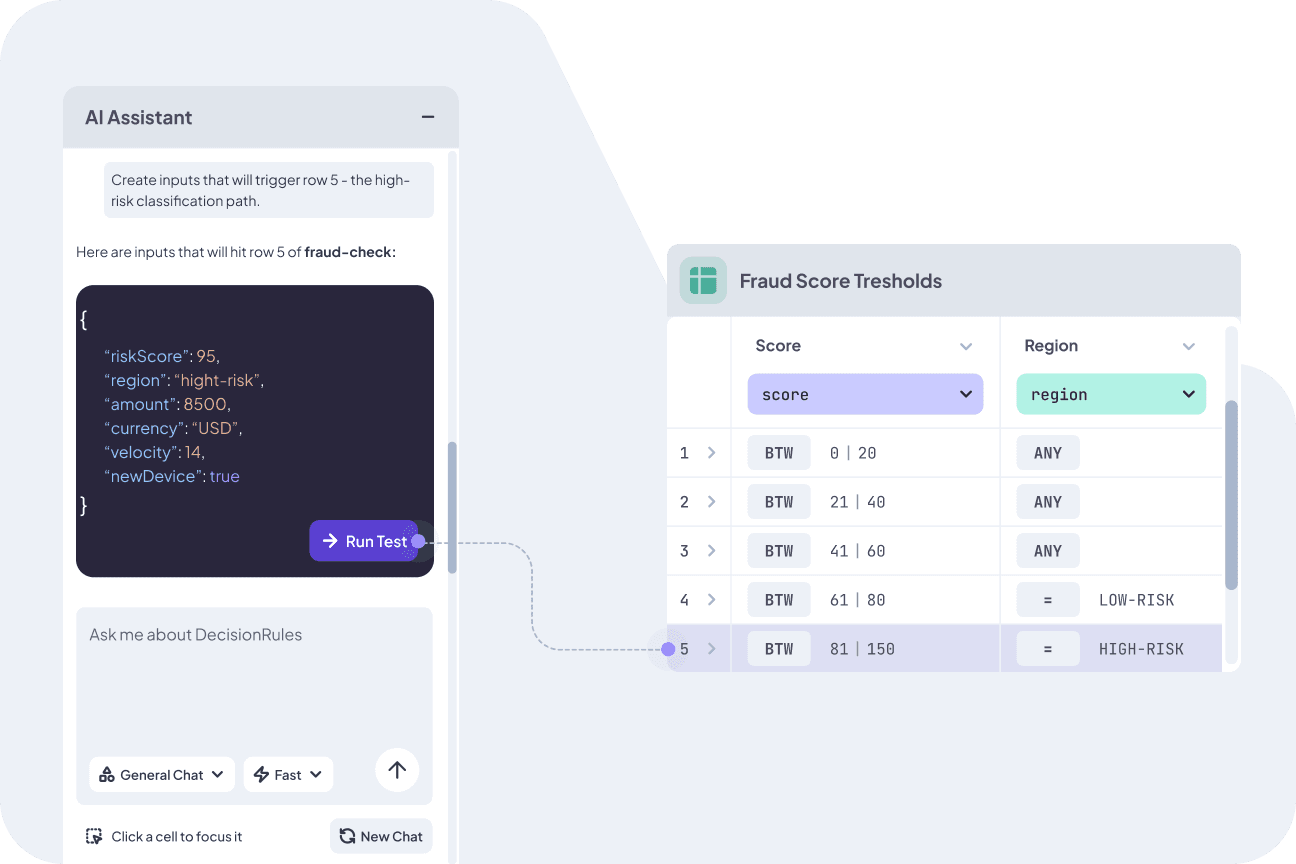
Sometimes you know exactly which path you want to test. Maybe you need to verify that row 12 fires correctly, or you want to confirm a specific output under a certain combination of conditions.
Tell the assistant which row to target, and it generates input data that will match those conditions precisely. No more trial and error, no more guessing at values.
- "Create inputs that will trigger row 5"
- "Generate data for the high-risk classification path"
- Instantly get values that match exact conditions
Test Rules Before You Publish
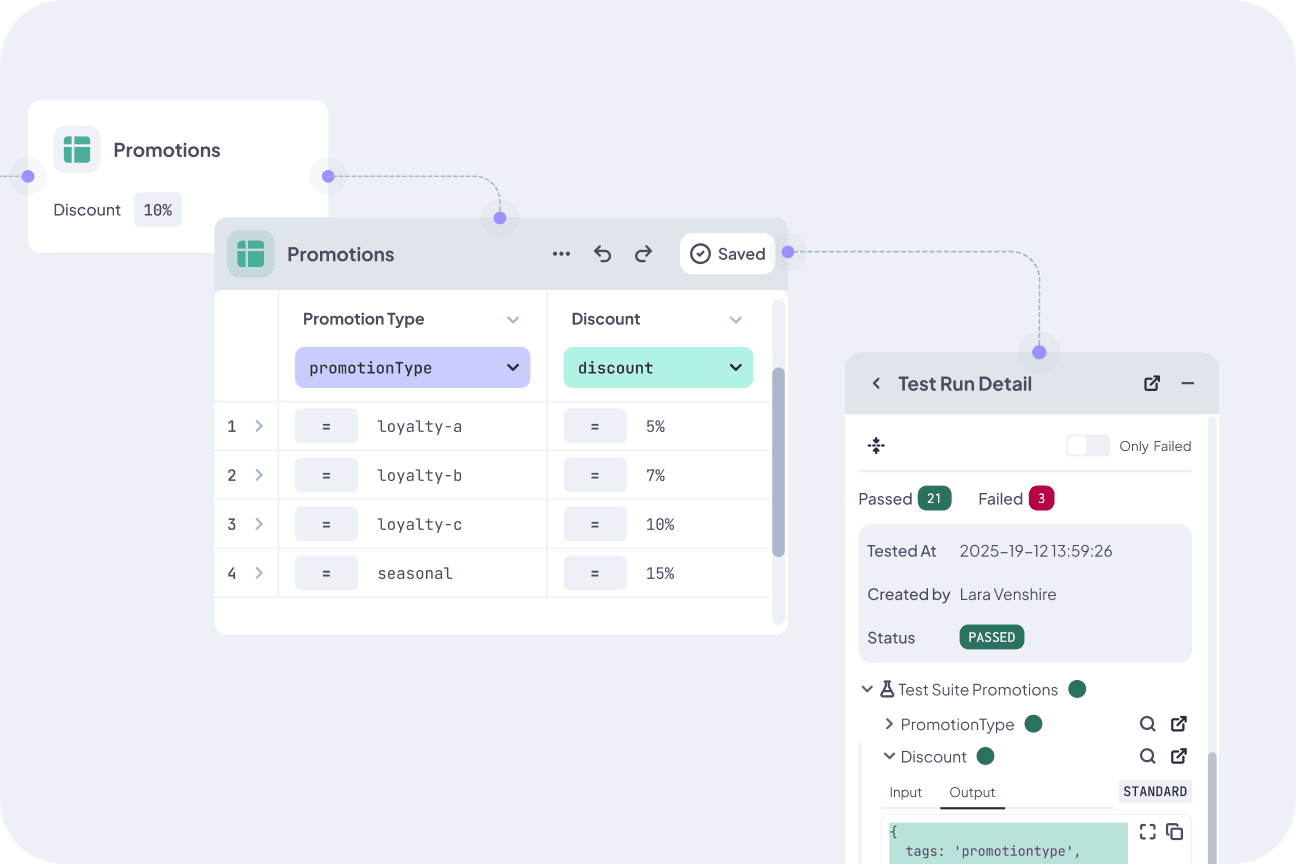
Every rule should be tested before it goes live. The assistant makes this practical, not just aspirational. Ask for a batch of random test cases, run them against your table, and confirm that every path works the way you expect.
Combine this with DecisionRules' built-in Rule Tests feature to organize test cases into Suites and run them as part of your release process.
- Generate batches of realistic test scenarios
- Run them directly against your table in the editor
- Pair with Rule Tests for structured test suites
Frequently Asked Questions
Still have questions? We have answers.
Generating Test Data
Testing Workflow
Try for Free
Experience DecisionRules at no cost. A credit card is not required for the trial.
Start for freeContact Sales
Have questions? Our sales team is here to help you find the best solution for your business.
contact sales