Templates
Your rules already written.
From beginner examples to full industry flows with live demos. Whatever your use case, there's a working rule to start from.
Don't start from scratch
Every template is a working, importable rule you can run immediately — or use as inspiration for your own logic.
Learn by Doing
Easy Start templates walk you through the platform step by step, on real working rules, not slides.
Industry-Ready
Each template built around a genuine business problem, ready to connect to your system via REST API.
Find Templates for Your Industry
Discover a collection of hand-picked templates designed to accelerate your decision automation projects, organized by industry and use case. Whether you're calculating insurance quotes, routing parcels, approving loans, or detecting fraud - there's a template that's close to what you need.
- Categories: Financial Services, Insurance, E-Commerce & Retail, Logistics, Healthcare, Aviation, Education, Industry
- Featured sample apps with live, interactive demos
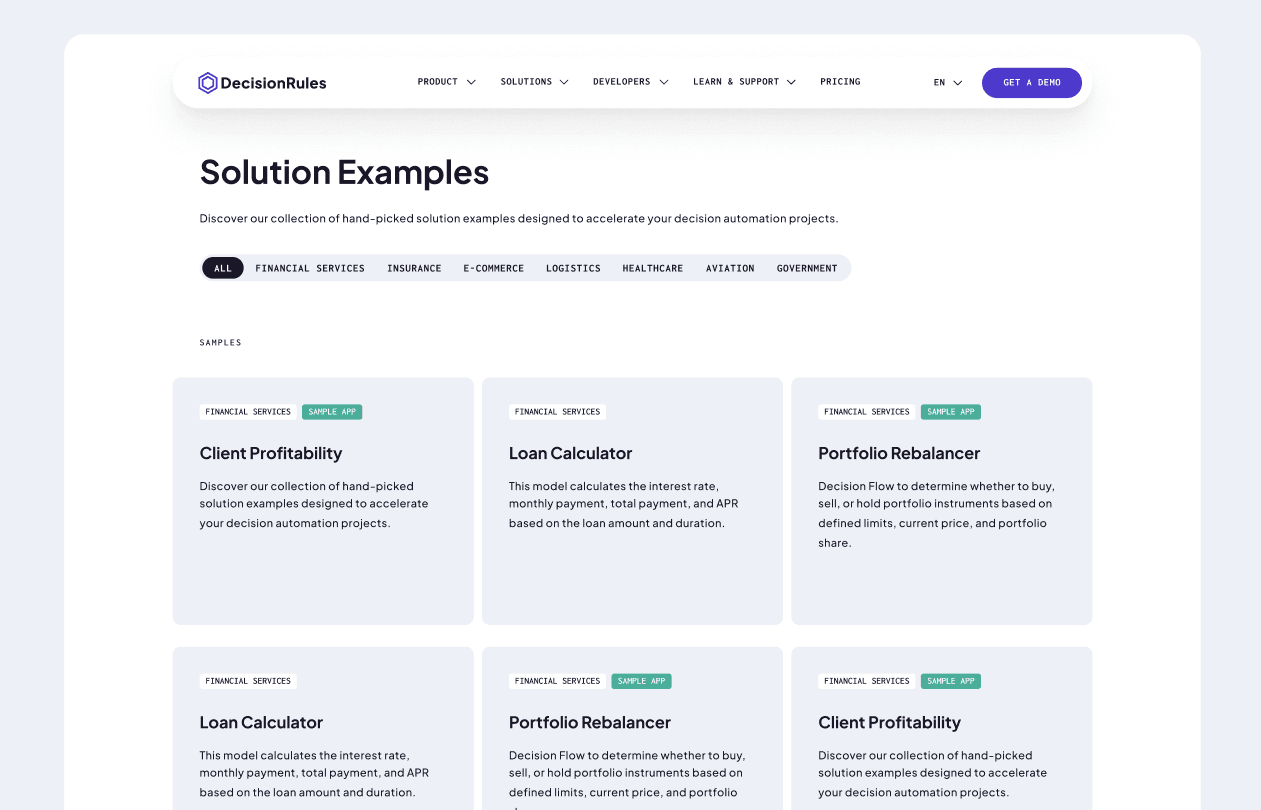
See Rules Work in Live Demos
Sample Apps show you what DecisionRules looks like from the customer's side. A user fills in a form, clicks a button, and the engine handles everything behind the scenes. No API calls visible, no rule logic exposed. Just a clean result, instantly.
- Live, interactive demos built on real DecisionRules rules
- Enter your own inputs and see actual API responses in real time
Library keeps growing
The template library is expanding with a broader set of industry-specific rule and process examples, covering both simple rule definitions and complex, multi-step Decision Flows tailored to common use cases across finance, insurance, logistics, and more.
- New templates added regularly
- Simple single-rule examples and complex multi-step flows
- Built and maintained by the DecisionRules team
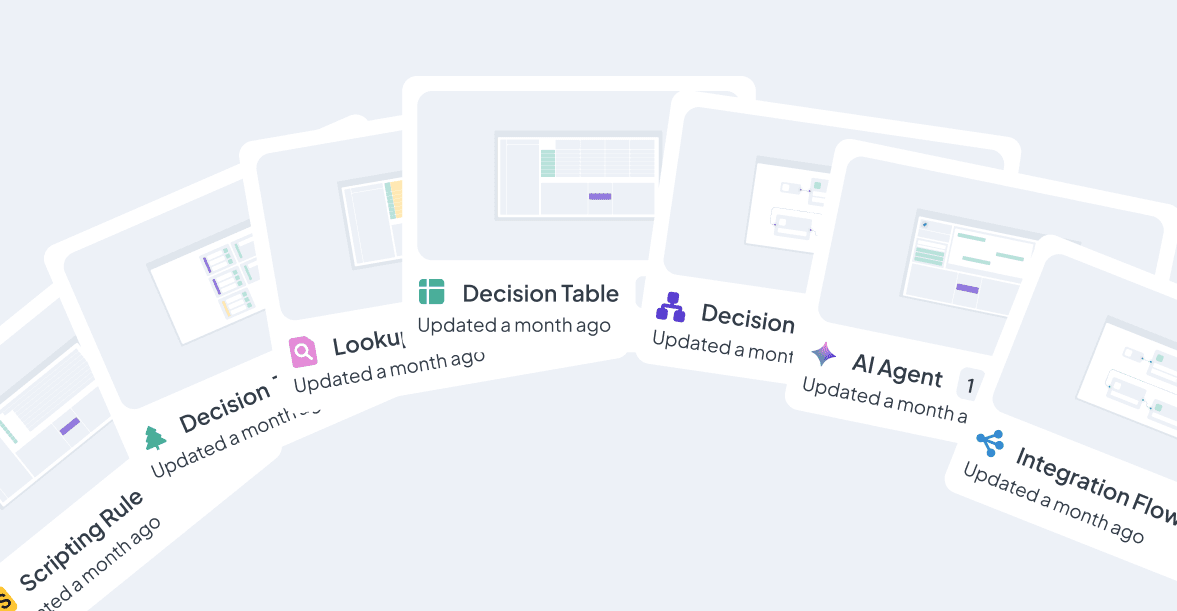
Real Use Cases, Ready to Run
With the ever-growing template library, you will never have to start from scratch. Accelerate your rules engine adoption and learn from templates. Every template is a fully functional rule. Open it, run it, and see live results before you change a single line.
- Fully functional, importable rules
- Run and test immediately
- Learn the platform from working examples
Start with Templates and Guidance
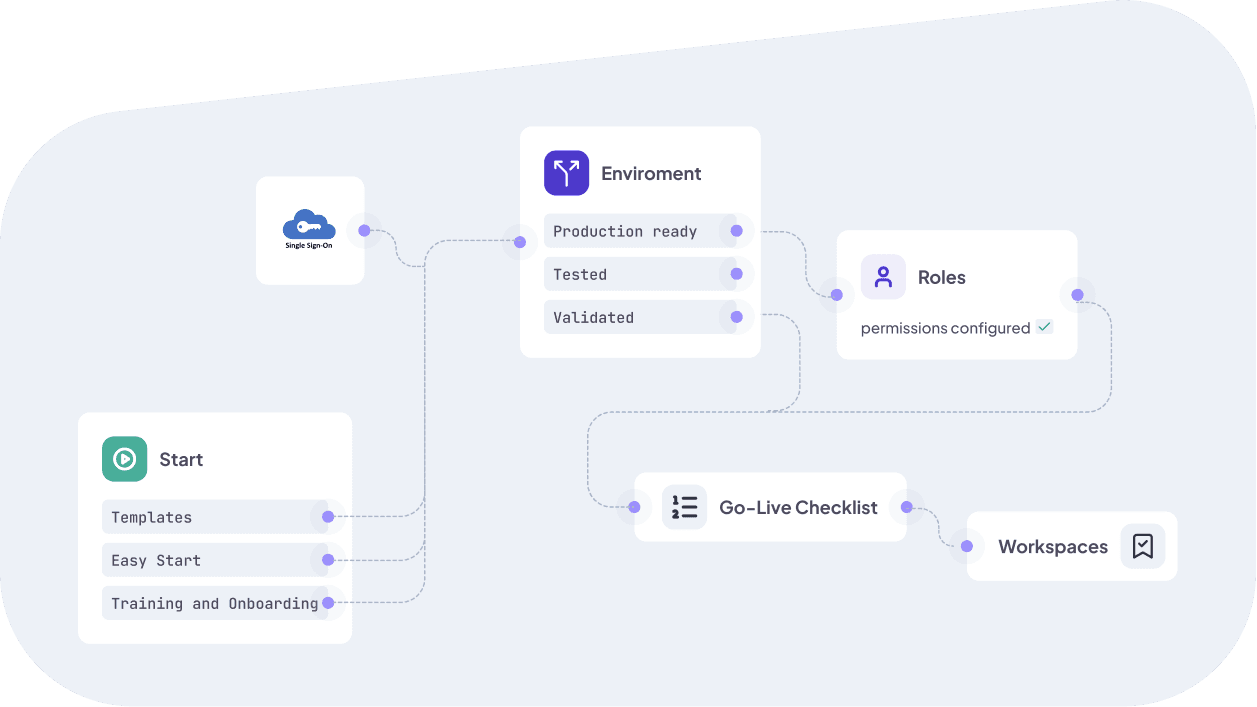
It's DecisionRules' Training & Onboarding program, a guided, expert-led experience designed to take you from first login to a working, production-ready rule as fast as possible. Where templates give you the "what", Easy Start gives you the "how".
- Expert-led sessions for business users and technical teams alike
- Hands-on: you leave with working rules, not just a plan
Frequently Asked Questions
Still have questions? We have answers.
Getting Started with Templates
What is a Template in DecisionRules?
A Template is a pre-built, fully functional rule - or set of rules - that you can import directly into your workspace. Each template is built around a real business use case: loan approval, insurance pricing, fraud detection, product recommendations, and more. Templates are designed to be explored, run, and adapted - not just read about. They're the fastest way to understand how DecisionRules works in practice and to get your first rule live without starting from scratch.
When should I use a Template vs. building from scratch?
Use a Template when your use case is close to something in the Templates library — pricing, scoring, routing, fraud detection, eligibility, insurance quoting. Even an imperfect match is worth importing, because adapting an existing structure is always faster than designing the input/output model, rule logic, and flow orchestration from zero. Build from scratch when your logic is genuinely unique, has no analogue in the library, or when you have a very specific architecture in mind that a template would only get in the way of. When in doubt, import the template first — you can always delete it and start fresh.
Don't see your use case covered? Submit a request through our support portal and it may shape what we build next.
What's the difference between a Template and a Sample App?
A Template is an importable rule or rule set — the business logic itself, ready to be brought into your workspace and adapted. A Sample App is a featured template that also includes a live, interactive front-end built on top of that rule. Sample Apps let you configure real inputs — trip details, loan parameters, passenger counts — and see the DecisionRules API return actual results in real time, directly on the template page, before you import or log in to anything. Both can be imported and customised freely; Sample Apps just come with a richer preview experience that shows the rule working end-to-end in a real application context.
Importing Templates
Are Templates free?
Browsing, exploring, and importing templates is free. However, some templates include rule types that require a paid plan to run. Each template detail page shows which rule types it contains, so you can check before importing.
If you're unsure what your plan includes, check your subscription settings or reach out to support.
Can I preview a Template before importing it?
Yes. Every template has an Explore button that opens a detail page with a description, screenshots of the rule structure, and a breakdown of the solution components — what rule types are used, how they connect, and what the logic does.
Sample Apps go a step further — they show you the full end-user experience. A customer fills in a form, clicks a button, and DecisionRules handles everything behind the scenes: the engine evaluates the rules and returns a result that appears as a clean, readable output on screen. It's the clearest way to understand what your own application could look and feel like before you write a single line of integration code.
How do I import a Template into my workspace?
Open the template page, click the Import button, and the rule — or full set of rules — is added directly to your workspace. For multi-rule templates, the entire folder structure is imported, including all Decision Tables, Flows, and supporting rules, organised exactly as they appear in the example. From there you can explore, edit, test, and publish at your own pace.
Can I modify a Template after importing it?
Yes — and that's exactly the point. Also the AI Assistant can help you tailor it to your needs. Once imported, you own the rule entirely: adjust conditions, swap values, add rows, change the output model, connect it to a Lookup Table. The structure is already built so you can focus on adapting the logic to your specific business, not on setting up the scaffolding from scratch.
Can I export a Template I've customised back to share with others?
Yes. Once a template is imported and adapted in your workspace, it's a fully standard rule — and like any rule in DecisionRules, you can export it as JSON for backup, sharing, or migrating between spaces. Decision Tables can also be exported to Excel. If you want to share your customized version with a teammate or move it to a different workspace, use the standard rule export.
See our documentation on rule export for details.
Template Library
What industries and use cases are covered?
Templates span insurance, financial services, e-commerce and retail, education, healthcare, aviation, industry, and logistics. Within those categories you'll find use cases like travel insurance quoting, flight ticket pricing, loan calculation, AML screening, fraud detection, product recommendations, portfolio rebalancing, parcel routing, applicant scoring, and more. The library is growing each quarter with new industry-specific examples.
Don't see your industry or use case? Let us know via our support portal.
What's the difference between Industry Templates and Easy Start templates?
Industry templates are built around real business problems — insurance quoting, fraud detection, loan approval, parcel routing — and are designed to be adapted for production use. Easy Start templates are designed for learning: they demonstrate specific platform features and patterns in the simplest possible way, so you can understand how something works before applying it to your own logic.
If you're new to DecisionRules, Easy Start is the right place to begin. If you have a specific use case in mind, go straight to the industry templates.
Which rule types appear in Templates?
Templates use every rule type available in DecisionRules: Decision Tables for structured condition-outcome logic, Decision Flows for multi-step orchestration, Decision Trees for branching paths, and Scripting Rules for custom calculation logic. Many templates combine several rule types in a single folder - this is intentional, so you can see how rule types work together in a real-world architecture, not just in isolation.
Can I request a Template for my use case?
If you have a use case you'd like to see covered, reach out to our team via support. The template library roadmap is actively shaped by customer needs — and if your use case is a good fit, it may appear in an upcoming release.
Best Practices
How do I find the right Template for my use case?
Browse the library by industry or category in the left sidebar, or use the search and filter to narrow by name or tag. Click Explore on any template to read the "About This Template" section — it explains the solution components, how the rules connect, and what the logic does.
I imported a template and the output is empty — what do I check first?
After importing, open the rule and check that the input/output model matches the data your application sends. The most common issue is a mismatch between the attribute names in the template and the field names in your own system — for example, a template using countryCode while your API sends country. Use the built-in Test Bench to run the rule against a real sample payload immediately after import.
See our documentation on the Test Bench and input/output model for details.
Try for Free
Experience DecisionRules at no cost. A credit card is not required for the trial.
Start for freeContact Sales
Have questions? Our sales team is here to help you find the best solution for your business.
contact sales