Integration Flow
Keep Complex Processes Running.
Build long-running execution flows that process bulk data, handle complex integrations, work with databases, and connect systems together — without worrying about request timeouts or backend orchestration code.
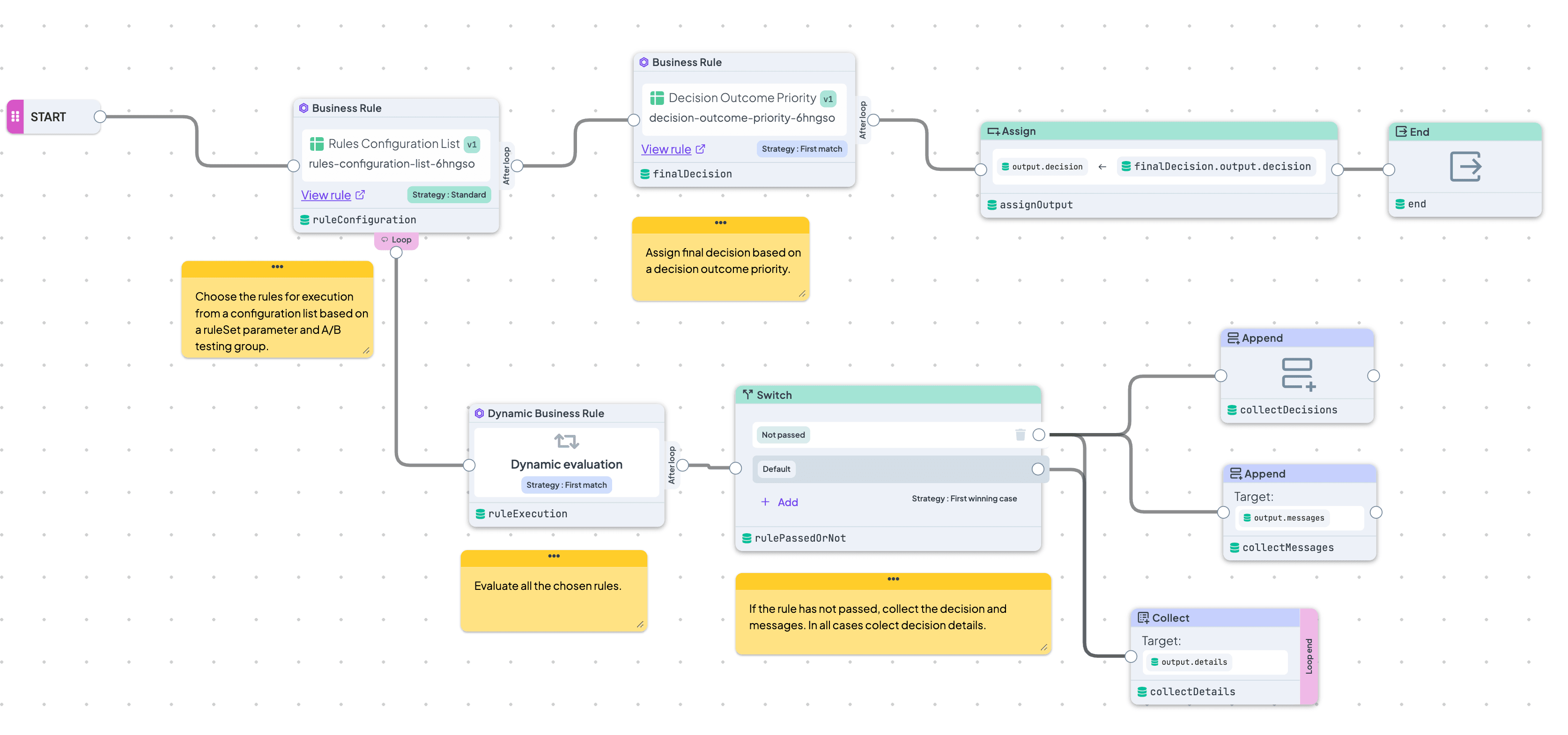
Built for Long-Running Operations
Process large datasets, complex workflows, and slow external integrations without being constrained by real-time execution limits.
Orchestrate Systems Visually
Connect APIs, databases, and business rules into one visual execution flow your whole team can understand and maintain.
Scale Beyond Real-Time Decisions
Use Integration Flow when your process grows beyond instant evaluations — bulk processing, synchronization jobs, database operations, or multi-step backend automation.
Visual Bulk Processing At Scale
Need to process hundreds or thousands of records? Integration Flow is designed for high-volume operations that would be difficult or unreliable inside traditional real-time execution.
- Process large bulk inputs safely
- Handle database rows one by one
- Ideal for synchronization and migration workflows
Long-Running Processes Without Timeouts
Integration Flow was built for workloads that simply take longer. Instead of forcing everything into a real-time execution window, Integration Flow runs processes in the background and lets them finish properly.
- Background job execution
- Designed for long-running operations
- Avoid timeout limitations in complex processes
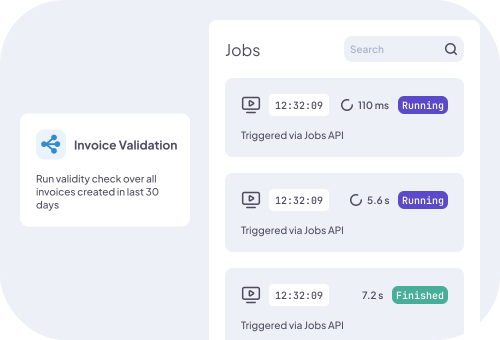
Full Backend Process Orchestration
Integration Flow is not just about evaluating rules. It orchestrates entire backend processes — retrieving data, transforming it, executing logic, calling APIs, and storing results as one connected workflow.
- Connect APIs, databases, and rules visually
- Move data between systems inside the Flow
- Combine automation and business logic together
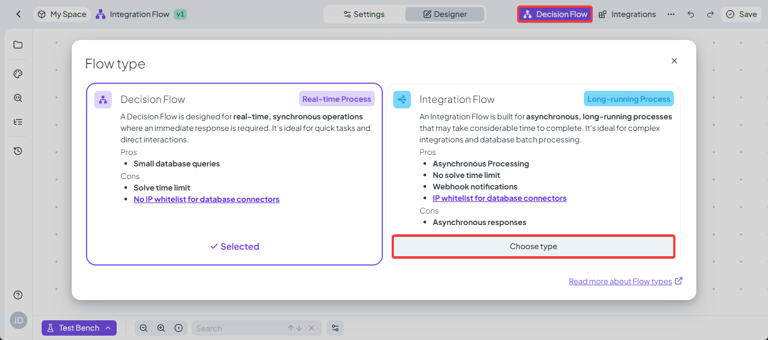
Start Real-Time, Scale When Needed
Most workflows start as real-time decisions. But sometimes the process grows — larger datasets, slower integrations, heavier processing. Instead of rebuilding everything from scratch, you can switch the same Flow into an Integration Flow and keep your logic intact.
- Reuse your existing Flow design
- Move from real-time to background execution in minutes
- Scale processing without rewriting business logic
Frequently Asked Questions
Still have questions? We have answers.
Getting Started with Integration Flow
Execution and Monitoring
Using Integration Flow
Best Practices
Try for Free
Experience DecisionRules at no cost. A credit card is not required for the trial.
Start for freeContact Sales
Have questions? Our sales team is here to help you find the best solution for your business.
contact sales